

Set the idle logout
On a computer that several people share, such as the one next to the line, a session left open lets anyone act with someone else's account. The idle logout warns whoever stops using the platform and, if nobody answers, signs them out. In this guide you switch it on and choose its times.
What you will learn
- Where the idle logout is
- How to choose when the warning appears and when the session closes
- What people see when the time is up
Before you start
You need the ais-superadmin profile: only it sees the «General» tab. The setting applies to everyone in the project.
1. Open the session settings
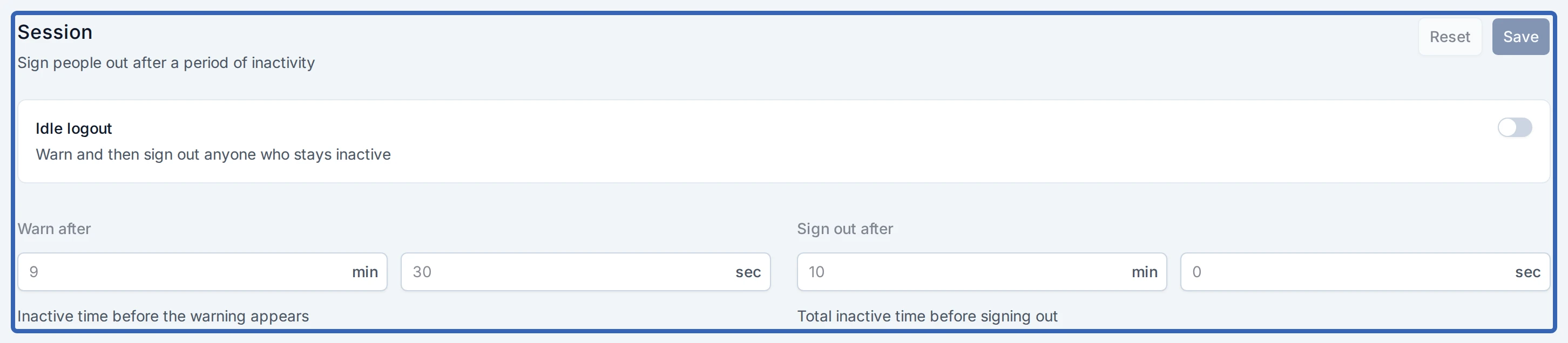
Click «Settings» in the top bar. It opens on «General», where «Session» holds the idle logout. It is off unless someone switched it on.
2. Switch it on
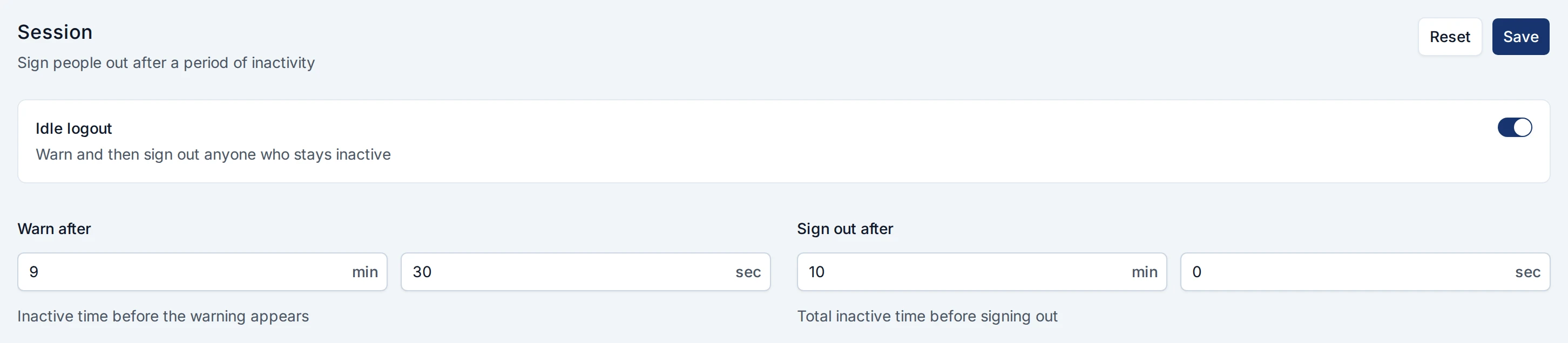
Switch on «Idle logout». The two times below become editable.
3. Choose when to warn
«Warn after» is the time without activity before the warning appears, in minutes and seconds. Moving the mouse, typing, clicking or scrolling counts as activity, in any tab of the platform open in the same browser.

4. Choose when to sign out
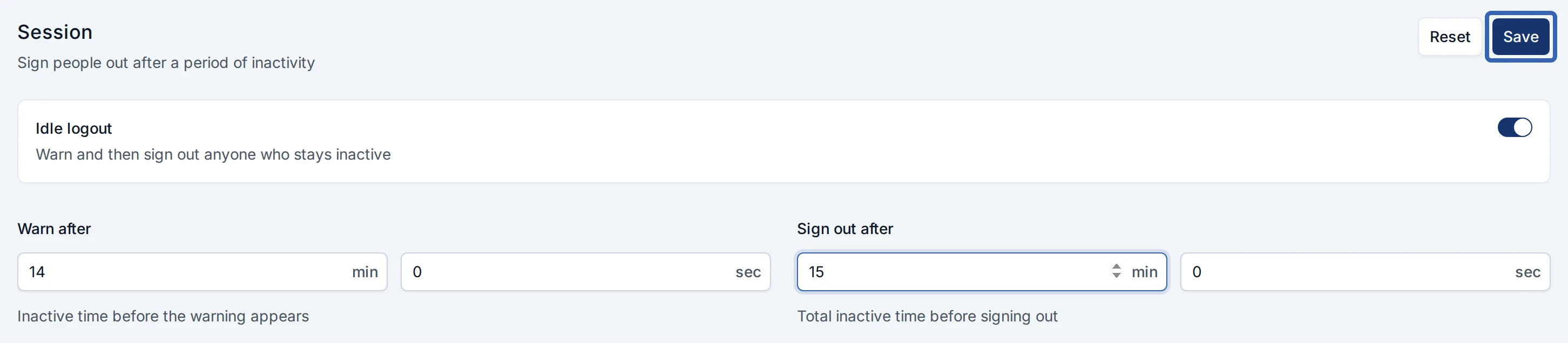
«Sign out after» is the total time without activity before the session closes, counted from the same moment as the warning: it has to be longer than «Warn after». With 14 and 15 minutes, people get one minute to answer the warning. A message under the fields says when the times do not fit.

5. Save, or go back to what was saved
Click «Save»: the new times apply to everyone in the project, from the next time each person loads the platform or signs in (in your own browser, at once). «Reset» puts back the values that were saved, as this guide does.
When the time comes, the platform asks «Are you still there?» with a countdown. «Continue session» keeps the person signed in; if nobody answers, the session closes and the sign-in page appears.
Next steps
- Add a user and assign a profile so that each person signs in with an account of their own
- Sign in and find your way around to sign out by hand
Recorded on Rosepetal release 1.8.15.